


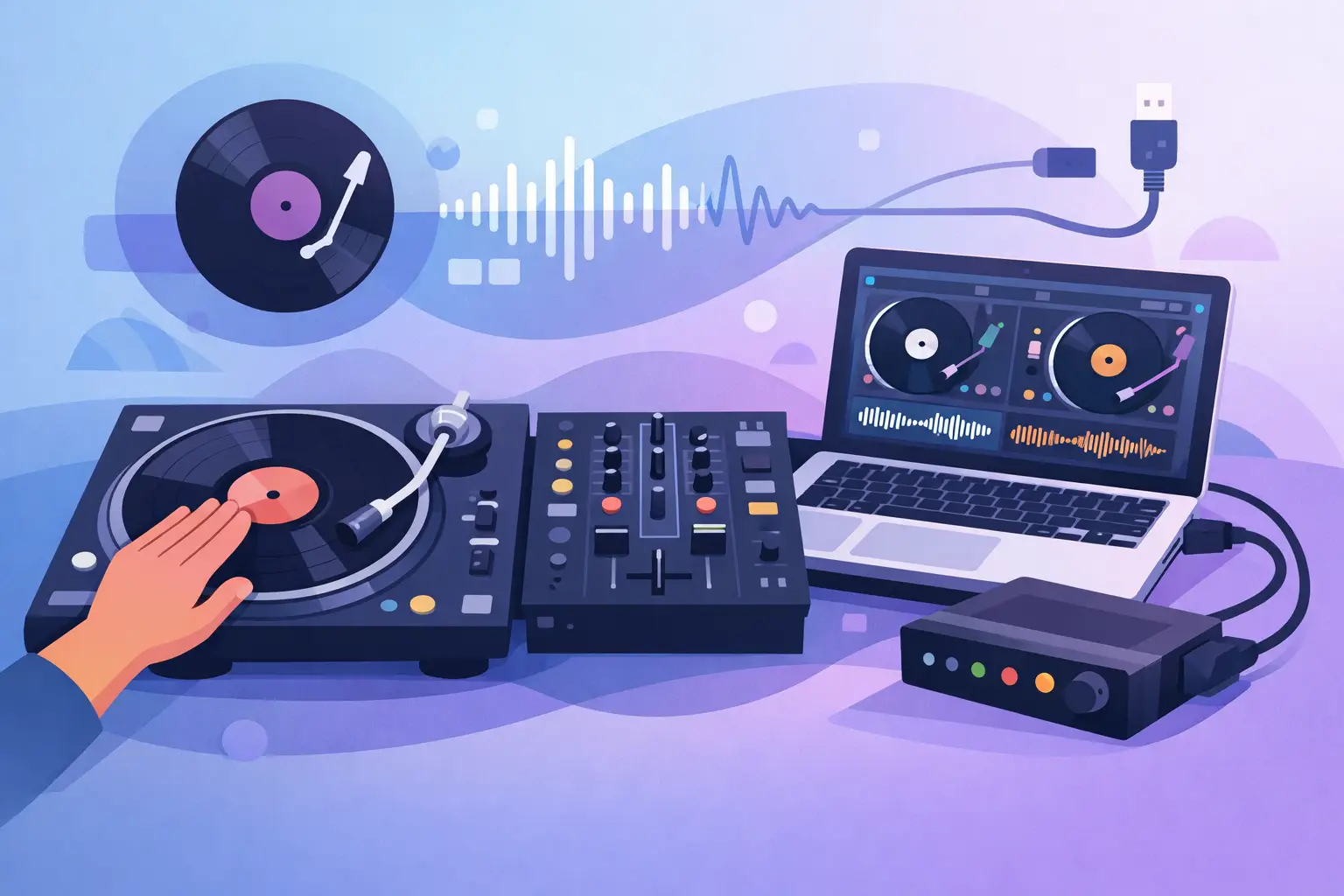
A turntable platter starts spinning, the needle drops, and the waveform on your laptop moves with it. Push the record forward and the track scratches forward. Stop the vinyl and the music stops. That is the essential answer to what is DVS DJing: it lets you control digital music files with real turntables or CDJ-style media players.
DVS stands for Digital Vinyl System. It combines familiar DJ hardware with software-based music libraries, giving DJs the physical response of vinyl while opening the door to cue points, loops, stems, effects, video, and thousands of tracks without hauling record crates. For scratch DJs, open-format performers, and DJs who simply prefer the feel of a spinning platter, it remains one of the most expressive ways to play digital music.
What Is DVS DJing and How Does It Work?
A DVS setup uses special timecode vinyl records or timecode CDs. These do not contain full songs. Instead, they carry a precisely encoded audio signal that tells compatible DJ software where the record is, which direction it is moving, and how fast it is playing.
Your mixer, audio interface, or DVS-ready controller sends that timecode signal to the software. The software reads it and applies the movement to a selected digital track. The result is immediate, hands-on control over files stored on your computer.
Put simply, the vinyl acts like a physical remote control for your digital deck. The record itself can be a control disc while the music comes from your laptop. You still beatmatch with the pitch fader, ride the platter, perform a baby scratch, and use the mixer exactly as you would in a traditional vinyl setup.
This is different from simply playing a digital file through a turntable-shaped controller. With DVS, actual turntables and actual control records are part of the signal chain. That distinction is why many DJs describe DVS as the closest digital workflow to playing records.
The signal path behind the feel
A typical setup has four core parts: turntables or media players, timecode control media, a compatible mixer or audio interface, and DJ software with DVS support. The turntable sends the timecode signal through phono inputs. The system interprets that signal, plays the assigned file, and routes the audio back through the mixer so you can cue and mix normally.
Modern DVS systems can run in low-latency modes, meaning the response between moving the record and hearing the track is extremely fast. But it is not magic. Computer performance, USB connections, driver stability, buffer settings, cables, needles, and the condition of the control vinyl all affect how tight the system feels.
Why DJs Choose DVS
The biggest reason is simple: physical control changes the performance. A rotating 12-inch record gives you tactile feedback that a jog wheel cannot perfectly duplicate. You can feel the record accelerate, slow down, and resist your hand. For detailed scratching, fast transforms, and musical platter work, that connection matters.
DVS also removes the limits of a vinyl-only library. A working DJ can carry a deep, searchable collection on one computer and still perform on the turntables they know. That can mean more requests covered at a wedding, more genre shifts in an open-format set, and more room for edits, remixes, acapellas, and personal tools.
The creative advantage goes further. With the right software, DVS can put hot cues, saved loops, beat grids, real-time stem separation, samples, and effects beside classic vinyl technique. You are not choosing between old-school control and modern performance tools. You can use both in the same transition.
For example, a DJ might scratch an acapella into a track, loop the outgoing chorus, isolate the vocal from the incoming song, then release into a clean drop. The audience hears a custom moment. The DJ gets there with a workflow that still feels physical and direct.
DVS DJing vs. Traditional Vinyl
Traditional vinyl means the music is pressed into the grooves of each record. Your selection is limited to the records you own and bring with you. There is no waveform, no instant search, and no automatic key information unless you add those tools separately. For many DJs, those limits are part of vinyl's appeal.
DVS uses control vinyl to access digital files. You retain the turntable experience, but gain library management and software features. That makes it far more practical for DJs who need breadth, fast preparation, and flexible performance options.
Neither approach is automatically better. Pure vinyl has its own sound, collecting culture, and discipline. DVS offers range and performance power. If your goal is to play rare records exactly as they were pressed, traditional vinyl may be the point. If your goal is to build a high-impact set across eras, formats, and genres, DVS gives you more ammunition.
DVS DJing vs. Controllers and Media Players
A controller integrates jog wheels, mixer controls, and often audio outputs into one device. It is portable, usually quick to set up, and ideal for DJs who want an all-in-one system. Media players use USB drives or computers and are common in club booths.
DVS takes a different route. It is built around external decks, especially turntables, and the performance vocabulary that comes with them. It can require more gear and more setup time than a compact controller. It also asks more of you when it comes to calibration and troubleshooting.
That trade-off is worth it when platter precision is central to your style. A mobile DJ who needs fast load-ins may prefer a controller for some events. A turntablist who wants the exact pull-and-release behavior of vinyl will likely choose DVS every time. Many professionals use both, selecting the setup that fits the room, the gig, and the performance they want to deliver.
What You Need for a DVS Setup
Your exact gear depends on the software and hardware you choose, but the basic requirements are straightforward. You need two turntables or compatible media players, timecode vinyl or CDs, a DVS-enabled mixer or supported audio interface, headphones, and a computer running DJ software.
A mixer with built-in DVS support can simplify the rig because the audio interface is already inside the mixer. If your mixer does not include it, an external interface can connect your decks and mixer to the computer. Be sure the hardware is officially supported by your software before you build around it.
For turntables, direct-drive models are the usual choice because they offer stable torque and are designed for cueing and scratching. Good cartridges and properly balanced tonearms matter more than people expect. A worn stylus or poor grounding can create noisy signals, tracking problems, or unreliable control.
VirtualDJ supports DVS workflows with compatible hardware, while also giving performers advanced tools that can expand far beyond the two records in front of them. The best setup is not the one with the longest gear list. It is the one that responds predictably when the dance floor is full.
Getting Started Without Fighting the Setup
Start by making the hardware stable before you focus on features. Install the recommended drivers, update firmware when needed, connect directly to reliable USB ports, and avoid building a critical performance rig around a questionable hub or cable. Set your audio buffer low enough to feel responsive, but not so low that you hear clicks, dropouts, or distortion.
Then calibrate the timecode signal in your DJ software. A clean, circular calibration display generally indicates a healthy signal. If it looks broken, noisy, or unstable, inspect the needle, RCA cables, ground wire, phono/line switch, and cartridge alignment before blaming the software.
Practice in relative mode first if you are new to DVS. In relative mode, the software follows the movement and direction of the record but does not require the needle to be at an exact physical position. It is forgiving when you lift the needle or use cue points. Absolute mode mirrors the record position more literally, which can feel closer to traditional vinyl but may limit certain digital features.
Once the basics are solid, build performance habits rather than chasing every button. Set cue points you will actually use. Prepare a few dependable loops. Learn how your software handles beat grids and stems. Then rehearse the recovery moves that save real sets: switching decks, restarting audio, finding a clean track fast, and keeping the crowd engaged while you solve a problem.
Is DVS DJing Right for You?
DVS makes the most sense when you want the physical language of turntables without the logistical limits of an all-vinyl music library. It is especially strong for scratching, hip-hop, battle-style routines, open-format sets, and DJs who already own decks they love.
It may be more than you need if portability is your top priority or if you have no interest in platter technique. A capable controller can be faster to deploy and easier to transport. But if the feeling of controlling a record is what makes you want to perform, DVS is not a compromise. It is a way to bring that feeling into a much bigger creative system.
The first time you scratch a digital acapella into a track from your own library and it responds like the record is carrying the sound, the appeal becomes obvious: DVS keeps your hands on the music and gives your set room to become something no playlist can reproduce.