


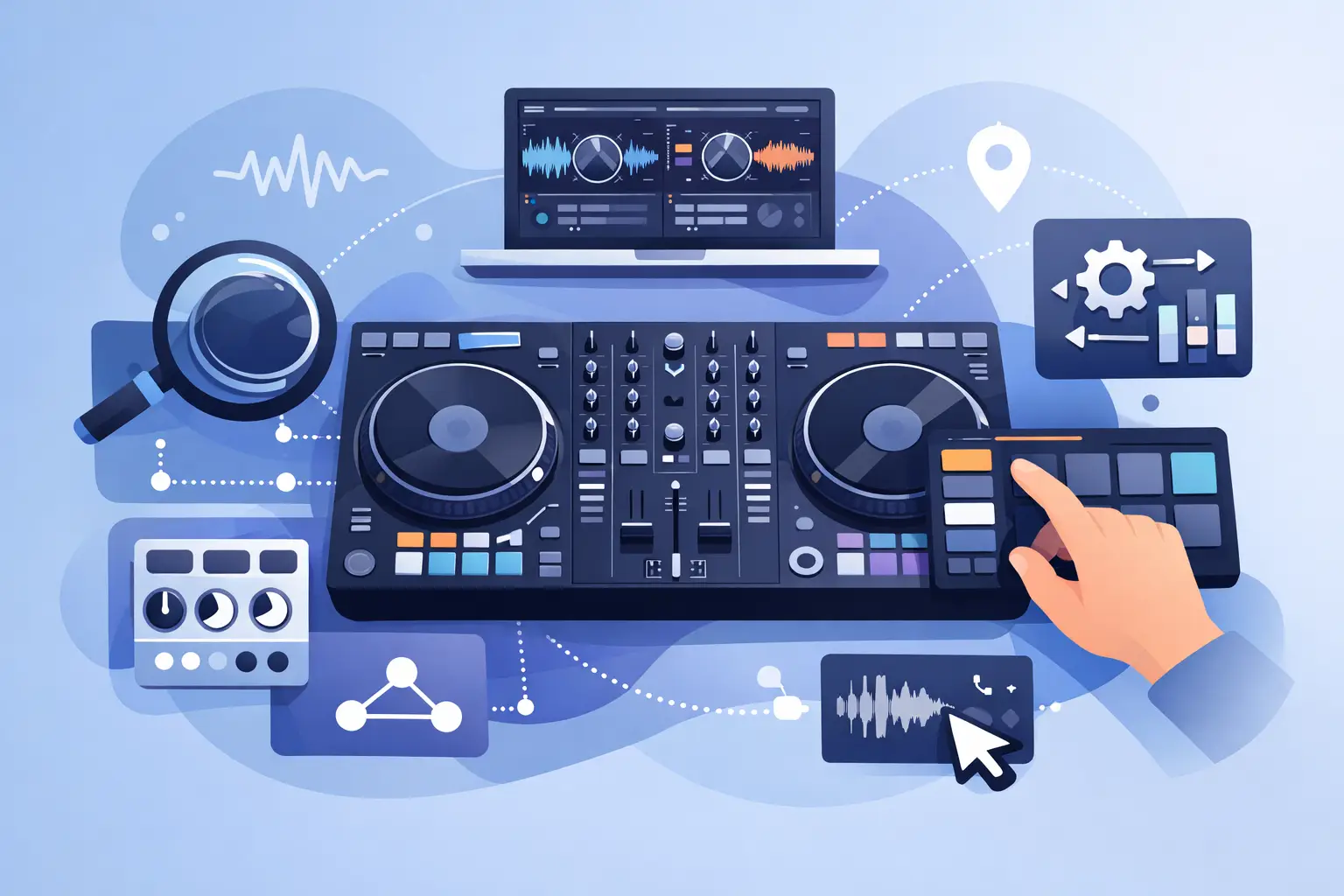
The moment your controller does the wrong thing in a set, or worse, does nothing at all, you stop thinking about creativity and start thinking about damage control. That is why learning how to map dj controller functions matters. Good mapping is not just a technical chore. It is how you turn generic hardware into a performance tool that actually fits your hands, your music, and your way of mixing.
For some DJs, mapping means getting an unsupported controller working. For others, it means fixing a layout that feels slow, awkward, or wasteful. Maybe you want dedicated stem controls, a smarter FX section, or pads that pull double duty between hot cues and sample triggering. Whatever the reason, controller mapping gives you more control over your set, and that usually means better transitions, faster reactions, and fewer mistakes under pressure.
What mapping a DJ controller really does
At the simplest level, mapping tells your software what each knob, button, jog wheel, fader, or pad should do. When you press a pad, the software reads the MIDI or HID message coming from your hardware and matches it to an action. That action could be basic, like play, cue, and sync. It could also be advanced, like activating stems, triggering a loop roll, or changing what the pad bank controls depending on the current mode.
This is where the real power shows up. A stock controller layout is designed to work for a wide audience. Your workflow is not. If you are a mobile DJ, you might need immediate access to mic controls, sampler drops, and karaoke tools. If you are a club DJ, you may care more about FX timing, deck switching, and loop control. If you are a scratch DJ, jog behavior and pad response become far more important than browser shortcuts. Mapping lets the hardware serve the performance, not the other way around.
How to map DJ controller settings without creating chaos
The biggest mistake beginners make is changing everything at once. It sounds exciting, but it usually creates a setup that looks clever and feels terrible in a live mix. The better move is to start with one pain point.
Ask yourself what slows you down right now. Are you reaching for the laptop too often? Are your stem controls buried? Do your FX controls feel backwards? If one change saves you time every few minutes, that is already a meaningful upgrade.
Start with your highest-value controls. Transport buttons, EQs, channel faders, crossfader, browse encoder, load buttons, and cue controls should feel obvious. After that, work on performance layers like hot cues, loops, effects, stems, and sampler triggers. Advanced mappings are powerful, but only when your fundamentals are locked in.
There is also a trade-off between packing in more functions and keeping things intuitive. A shift layer can double your options, but if you need to remember six combinations just to set a loop and trigger an effect, you may be building a problem instead of solving one.
Build your mapping around your actual set style
The best custom mapping is never random. It reflects how you perform.
If you mix open format, speed matters. Put your most-used transitions, echo outs, quick loops, and stem cuts where your fingers naturally land. If you play long-form house or techno sets, you may want smoother access to filters, layered effects, deck focus, and subtle loop controls. If you run karaoke or video, your priorities change again. Screen-related actions, sampler triggers, and host controls may deserve prime real estate.
This is one reason advanced DJ software stands out. A serious platform should not box you into one workflow. It should let beginners get going fast while giving experienced DJs room to customize deeply. VirtualDJ has built a strong reputation here because it supports a huge range of hardware and gives performers the freedom to tailor controls around real-world gigs, not just a factory-default layout.
A practical way to map a DJ controller
Before you touch a single assignment, connect your controller and test what already works. Many controllers have native support, and you might only need to adjust a few functions rather than rebuilding the whole map. That saves time and protects muscle memory.
Next, identify any controls that are unassigned, poorly placed, or underused. Pads are often the easiest place to gain performance value. A pad bank that you rarely use can become a stem section, effect launcher, or sample trigger area. Extra knobs can control filter resonance, effect depth, or browser zoom depending on your needs.
When you assign a control, think in terms of live use, not theory. A button that toggles an effect on paper may need hold behavior instead of on-off behavior in practice. A knob that sweeps too aggressively might need a different range or response curve. A jog wheel might need adjusted sensitivity depending on whether you prioritize nudging, scratching, or browsing.
Test every change immediately with music playing. Not in silence, and not one function at a time for an hour. Put two tracks on, mix them, and see whether the mapping helps or gets in the way. You will notice fast if a button is in the wrong place or a shifted command is too easy to hit by accident.
Smart mapping ideas that actually improve performance
A lot of DJs focus on flashy custom commands first. The smarter play is to target the moments where speed and confidence matter most.
One useful approach is combining related actions. A single button can activate an effect and prepare the next state of the mix. For example, a transition control could trigger a short echo while stopping the outgoing deck after the tail. That kind of mapping cuts down on hand movement and helps you execute cleaner under pressure.
Another strong option is contextual controls. Pads and knobs can behave differently depending on deck, mode, or shift state. This gives you more functionality without adding more hardware. The trade-off is complexity, so use it where it genuinely improves flow.
Stems are another obvious win. If your software supports real-time stem separation, mapping quick access to vocals, drums, instrumentals, or bass can radically change how you mix. Live mashups, cleaner transitions, and on-the-fly edits become faster when those controls are physically in front of you instead of buried in menus.
Browser mapping is underrated too. During a live set, especially at weddings, bars, and mobile events, fast library control matters. A well-mapped browse encoder, load buttons, and preview controls can save you from staring at the screen and breaking the room’s energy.
Common mapping mistakes
The first mistake is overmapping. Just because you can assign every button does not mean you should. Empty space on a controller is not failure. Confusing controls are.
The second is ignoring feedback. If your controller supports LEDs or screen feedback, use it. Visual confirmation helps you know what mode you are in and whether a function is active. That becomes far more valuable in dark booths and high-pressure moments.
The third is failing to test edge cases. Try your mapping while using four decks, while recording, while running effects, and while browsing quickly. Some assignments feel fine in a basic test and fall apart in a real set.
The fourth is changing core muscle-memory controls too casually. If you have spent years using a certain layout, moving essential functions can hurt your performance before it helps it. Sometimes the best custom mapping is a small, strategic improvement rather than a dramatic redesign.
How to know your map is good
A good map disappears. You are not thinking about commands. You are thinking about the crowd, the next blend, the timing of the drop, the vocal you want to cut, the sample you want to fire. Your hardware feels faster because it feels more natural.
That does not mean the map is finished forever. Your gigs change. Your style changes. New features show up. The best DJs revisit their setup and keep refining it. A mapping that worked for bedroom practice may not be ideal for club work, and a club-focused map may not suit a wedding or karaoke night.
If you are still wondering how to map dj controller functions the right way, the answer is simple: start with the moments that matter live, customize only what improves your workflow, and test everything in a real mix. The goal is not to build the most complicated setup in the room. The goal is to perform with less friction and more confidence.
Your controller should feel like an extension of your instincts. When it does, your sets get tighter, your transitions get cleaner, and your creativity shows up faster than hesitation ever can.