


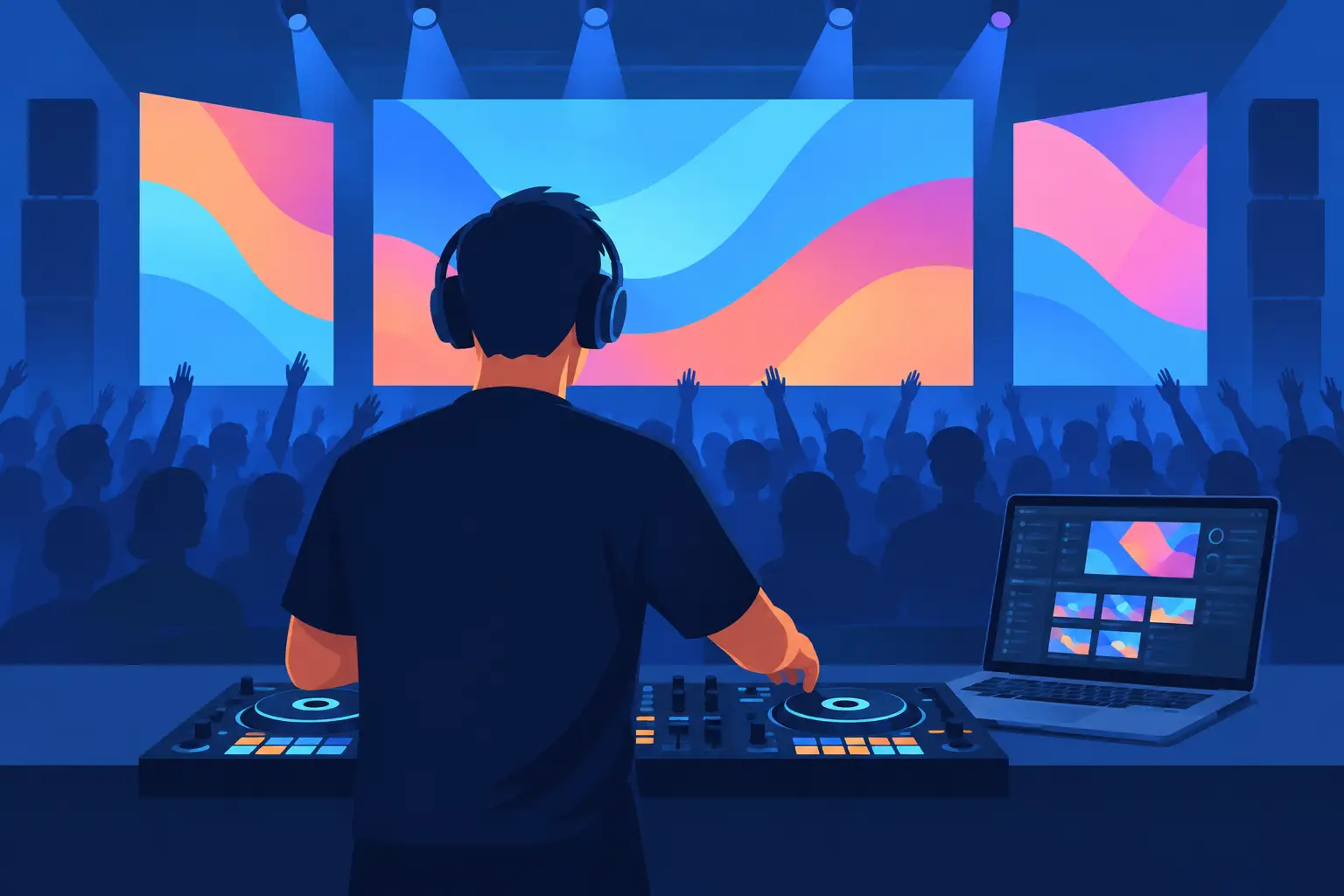
A packed dance floor reacts to more than a great drop. When the chorus hits and the screen punches in with the artist, a custom visual, or a perfectly timed transition, the whole room feels the change. The right DJ software for video screens turns that moment from a lucky coincidence into part of your performance.
For video DJs, mobile entertainers, karaoke hosts, and clubs with LED walls, visuals are not background decoration. They are another deck, another way to control energy, and another reason clients remember who ran the show. The goal is not simply to play a music video. It is to mix video with the same confidence, timing, and creative control you bring to audio.
What DJ Software for Video Screens Must Do
A video-ready DJ setup needs more than a media player connected to a TV. Your software should let you load and mix video files directly from the decks, then send a clean output to a second display, projector, video wall, or venue screen. That separation matters. You need full control in the booth while the audience sees only the performance.
The essential test is simple: can you make the visual side of your set react naturally to the music? Video should follow pitch changes, loops, cues, effects, transitions, and crossfader movement. If an audio blend feels smooth but the screens jump, freeze, or cut awkwardly, the illusion is gone.
Look for flexible support for common video formats and a workflow that handles your existing music-video library without forcing a long conversion process. For working DJs, compatibility is not a minor feature. It is the difference between arriving ready for a wedding, sports bar, nightclub, or corporate event and spending soundcheck fixing files.
Build a Visual Set That Feels Intentional
The strongest video sets have a point of view. That does not mean every song needs a cinematic production. It means the screen always has a job: reinforce the song, carry the theme, support the crowd, or cover the moments when a music video is not the right choice.
Start by organizing your content into practical performance groups. Music videos can live beside audio-only tracks, but also prepare visualizers, motion loops, logo clips, holiday graphics, themed animations, and clean background looks. A 90s party, Latin night, school dance, and upscale brand event should not all look the same.
For audio-only tracks, visualizers and video loops keep the screen active without distracting from the room. For headline moments, a recognizable music video can raise the reaction instantly. The smart move is knowing when to use each. A video for every track can become visually exhausting, especially on a long open-format set. Alternating between official videos, custom graphics, and effect-driven transitions gives the audience contrast.
Use Transitions That Match the Music
Video transitions need musical timing, not random flash. A quick cut can work beautifully at a phrase change. A fade or blend often fits a vocal-to-vocal transition. A strobe-style effect may hit hard in an EDM buildup but feel wrong during a first dance or cocktail set.
Treat visual effects like any other performance effect: use them to emphasize a moment, not to prove they exist. Beat-aware effects, video crossfades, zooms, and overlays can bring a mix to life when used with purpose. The best video DJs make the technology disappear. The crowd notices the impact, not the button press.
Keep Karaoke Clear and Readable
Karaoke changes the priorities. The singer is the star, and the audience needs lyrics they can read from across the room. Your display output must be stable, properly scaled, and free of clutter. A karaoke host also benefits from being able to keep the singer-facing screen and DJ controls separate.
Avoid overly busy effects during lyrical sections. A clean karaoke video on the main display, supported by subtle background lighting or a secondary visual screen, usually delivers a better experience than constant motion behind every word. Reliable rotation management and fast song search matter just as much as visual flair when a line of singers is waiting.
Hardware and Screen Setup: Plan for the Real Venue
Video performance is only as reliable as the signal path. Before the event, know where your output is going and what connection the venue expects. HDMI is common, but projectors, LED processors, switchers, capture devices, and older displays can add complications. Bring the right adapters, test them, and keep a backup option in your case.
A second video output is the foundation of a professional setup. Your laptop screen stays dedicated to decks, waveforms, browser windows, and performance controls. The external display carries the audience video. This keeps accidental clicks, notifications, and library searches out of sight.
Screen resolution also affects the result. A small bar display and a wide LED wall do not share the same ideal layout. Check the native resolution, aspect ratio, and placement before you arrive. If the client has a giant screen mounted above the dance floor, low-resolution clips may look soft and stretched. If the only display is a small projector in a bright ballroom, high-detail visuals may disappear under ambient light.
Performance power matters, too. Video mixing places more demand on a computer than audio-only DJing. A system that handles your practice sessions may struggle when it is decoding high-resolution files, running effects, managing a large library, and feeding an external screen for five hours. Test your exact workflow at home with the second output connected. Then test it again with the controller, external drive, and cables you will use at the gig.
Choose Control, Not Just Playback
The difference between playing videos and performing video is control. You should be able to trigger cues, loops, samples, effects, and transitions without reaching for the trackpad every few seconds. Controller support is especially valuable because it lets your hands stay on the mix while your eyes stay on the crowd.
Map the controls you use most. Maybe that is a button for a video transition, a knob for effect intensity, pads for branded clips, or a quick visualizer trigger when you move from video content to an audio-only request. There is no single perfect mapping. A scratch DJ, wedding DJ, and karaoke host will all need different priorities.
This is where a platform built for flexible performance workflows earns its place. VirtualDJ gives DJs the ability to mix video, karaoke, audio, samples, and effects from one performance environment while supporting a wide range of hardware. That means you can start with a straightforward second-screen setup, then expand into custom controller mapping, live remixing, and more ambitious visual routines as your shows grow.
Avoid the Video DJ Mistakes That Cost Energy
The most common mistake is treating the display as an afterthought. A screen that goes black between tracks, shows the wrong content, or reveals desktop notifications can pull attention away from an otherwise excellent set. Prepare fallback visuals and make sure they load quickly.
Another mistake is ignoring the audience sightline. A visual that looks great from the DJ booth may be unreadable from the back of the room. Stand where guests will stand. Check text size, brightness, lyric visibility, and whether the image is cropped by the venue's screen or processor.
Finally, do not make every transition louder visually than the song itself. Big effects belong in big moments. Let a strong music video, a clean logo loop, or a well-timed cut carry the rest. Restraint creates impact.
Make the Screen Part of Your Signature
Your sound may get guests onto the floor, but your visual performance can make the event feel like it had its own identity. Build a folder of content that reflects the types of rooms you play. Develop a few signature transitions. Create branded visuals for private clients. Learn the moments where the screen can make a familiar song feel brand new.
The future of DJing is not about adding more distractions. It is about having more ways to create a reaction. When your visuals move with the music and your control stays effortless, the screen stops being equipment in the corner. It becomes part of the reason the room remembers your set.