


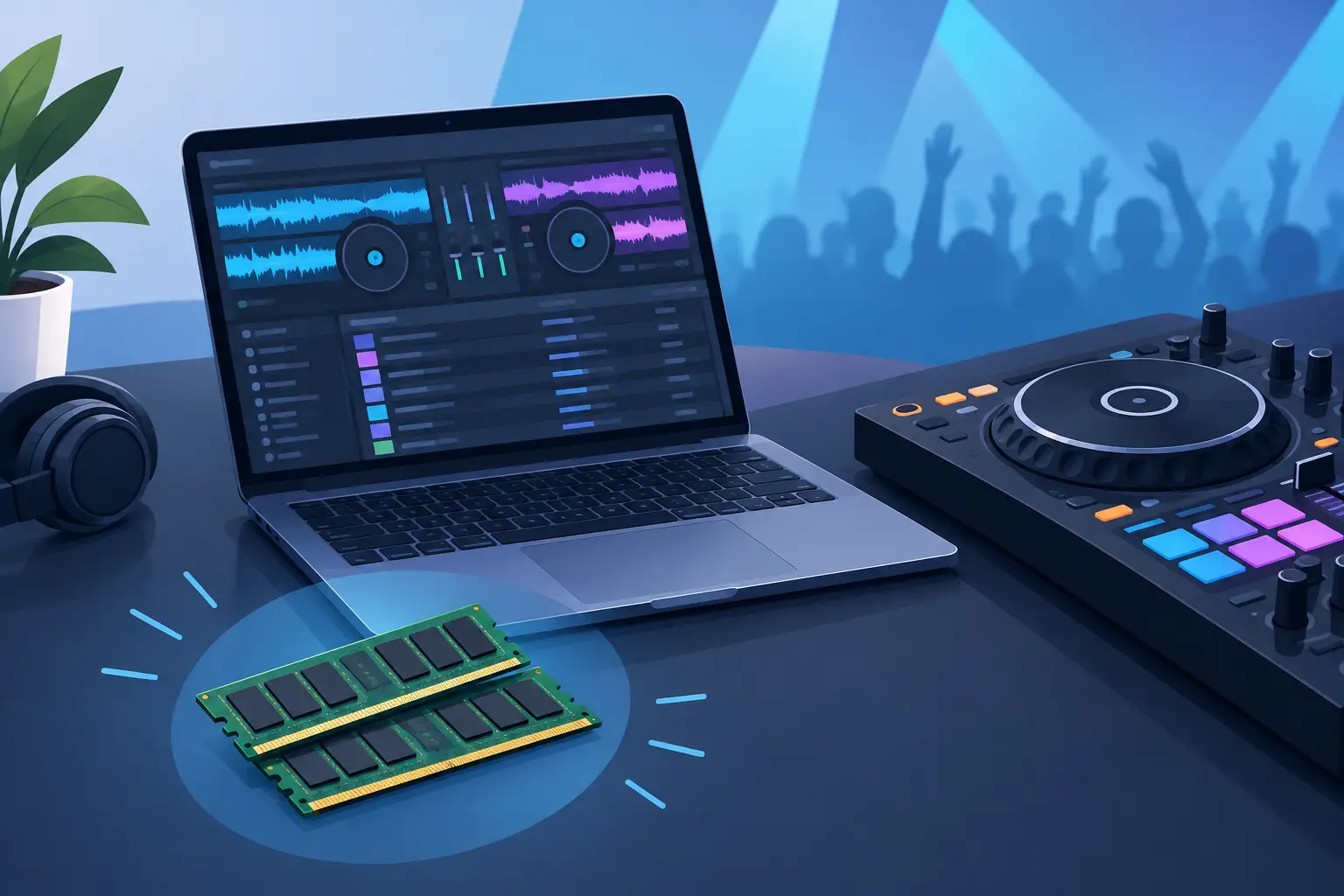
A packed dance floor is the wrong place to discover your laptop is short on memory. When tracks are loaded, waveforms are moving, effects are active, and the next transition needs to land exactly on time, DJ laptop RAM requirements become a live-performance issue, not a spec-sheet debate.
RAM does not make every part of your setup faster on its own. Your processor, storage drive, graphics hardware, operating system, and software settings all matter. But too little memory can force the computer to juggle active tasks, creating lag, slow loading, audio dropouts, or a system that feels fine in practice and struggles under pressure.
DJ Laptop RAM Requirements: The Quick Answer
For most DJs, 8GB of RAM is the practical minimum for a modern laptop running audio-only sets. It can handle music playback, browsing a well-managed library, controller use, and standard mixing if the rest of the machine is in good shape.
For the best balance of price, reliability, and room to grow, choose 16GB. That is the smart target for DJs who perform regularly, use real-time stems, keep large libraries open, record mixes, run demanding effects, or need background tools such as cloud syncing and wireless utilities.
Choose 32GB if your workflow includes video mixing, karaoke, high-resolution media, multi-screen output, live production tools, or a professional setup where you want extra headroom for years of use. More than 32GB is rarely necessary for DJ software alone, though it can make sense if the same laptop also handles video editing, music production, or other memory-heavy creative work.
The right amount is not about chasing the biggest number. It is about making sure your computer stays responsive when your set gets more ambitious.
What RAM Actually Does During a DJ Set
RAM is your laptop's short-term workspace. When you open DJ software, load tracks, analyze waveforms, access artwork, trigger samples, or activate effects, the system uses memory to keep active data ready for immediate use.
When RAM runs low, the operating system shifts some of that workload to the storage drive. Even a fast SSD is slower than RAM. That slowdown may show up as a sluggish browser, delayed deck loading, choppy video, or performance spikes when you switch between tasks.
Memory matters most when multiple demanding jobs overlap. A simple two-deck audio set with MP3 files has a very different memory profile than a four-deck performance with high-quality files, real-time stem separation, external displays, video layers, recording, and a browser open in the background.
This is why a laptop that appears to meet minimum requirements can still feel limited in a real booth. The question is not only, “Can it run the software?” Ask, “Can it run my full performance without compromise?”
8GB, 16GB, or 32GB: Which Level Fits Your Style?
8GB: Entry-Level Audio DJing
An 8GB laptop can be enough for new DJs learning to mix at home, practicing transitions, organizing a library, or playing straightforward audio sets. It is also workable for mobile DJs with a disciplined setup: close unnecessary apps, avoid running large browser sessions, keep the operating system current, and use a fast internal SSD.
The trade-off is limited breathing room. Add stems, recording, an external display, large high-resolution video files, or several utilities running at once, and 8GB can become a bottleneck. If the laptop cannot be upgraded later, buying only 8GB may save money now but shorten its useful life.
16GB: The Performance Sweet Spot
For most working DJs, 16GB is the recommendation. It gives you the confidence to build bigger sets without treating every open application as a risk. You can mix audio, work with a substantial music library, record your performance, use advanced effects, and run modern DJ features with much more comfort.
It is particularly valuable for real-time stem separation. Separating vocals, drums, instruments, and bass during a mix creates creative options that once required prepared edits. That kind of processing leans heavily on the CPU, but sufficient RAM helps the whole system manage the workload without becoming cramped.
A 16GB machine also makes sense for DJs who use their laptop beyond the booth. You can prepare playlists, edit promotional clips, manage event files, and work on music without feeling like the computer is always one task away from slowing down.
32GB: Built for Video, Karaoke, and Big Shows
Video DJs and karaoke hosts should view 32GB as a serious consideration. Video playback, graphics processing, secondary displays, background media management, and high-quality files add pressure quickly. The same is true for DJs running long events with extensive libraries, visual content, recording, and multiple connected devices.
Thirty-two gigabytes will not replace a capable processor or dedicated graphics hardware when video is central to your show. It does, however, provide valuable headroom. That headroom can be the difference between a laptop that merely survives a demanding event and one that remains calm, responsive, and ready for the next request.
RAM Is Only One Part of a Reliable Setup
A laptop with 32GB of RAM and a weak processor is not automatically a better DJ machine than a balanced 16GB system. Real-time stems, video, effects, and waveform rendering all demand processing power. Look for a current, capable CPU rather than focusing on memory in isolation.
Storage is equally practical. An SSD improves startup times, library searches, track loading, and overall responsiveness. A crowded or aging hard drive can make an otherwise capable laptop feel slow, especially when your music and video collection grows into hundreds of gigabytes.
For video performance, graphics capability deserves attention. Integrated graphics can work for basic output, but demanding video mixing, high-resolution content, and multiple screens may benefit from stronger graphics hardware. Connection options matter too. Count your USB ports, video outputs, charging needs, audio interface, controller, external drive, and any adapters before show day.
VirtualDJ is designed to scale from straightforward audio mixing to advanced stems, video, karaoke, and live remixing, so matching your laptop to the features you plan to use gives you more creative room from the start.
How to Tell if You Need More RAM
Do not guess. Test your actual workflow before a paid gig. Load the kind of tracks you use, connect your controller, activate the effects you rely on, start a recording, and run the same display configuration you will use live. If you perform video or karaoke, test with real files, not a single lightweight sample.
Watch for warning signs: the laptop takes too long to load tracks, the browser stutters while music plays, waveform movement becomes inconsistent, video frames drop, or the operating system reports high memory use. Audio glitches can have several causes, including driver settings, USB power issues, thermal throttling, and CPU overload, so do not blame RAM automatically. Still, if memory usage is consistently near its limit, an upgrade can remove a major source of instability.
Also check whether the laptop's RAM is upgradeable. Many modern thin laptops use soldered memory, meaning the amount you buy is the amount you keep. For a machine intended to cover multiple years of gigs, that makes 16GB a safer floor and 32GB a worthwhile investment for visual performers.
Get Performance Headroom Before You Need It
The best DJ laptop does not just run your current set. It gives you permission to push further: add stems to a transition, record a mix, take a karaoke request, layer video, or bring more personality to a room without worrying about the computer blinking first.
If your sets are audio-focused, 16GB is the confident choice. If visuals, karaoke, or demanding multi-tasking are part of your show, step up to 32GB and build the rest of the system to match. Buy enough performance headroom now, then spend your energy where it belongs: making the next set impossible to forget.