


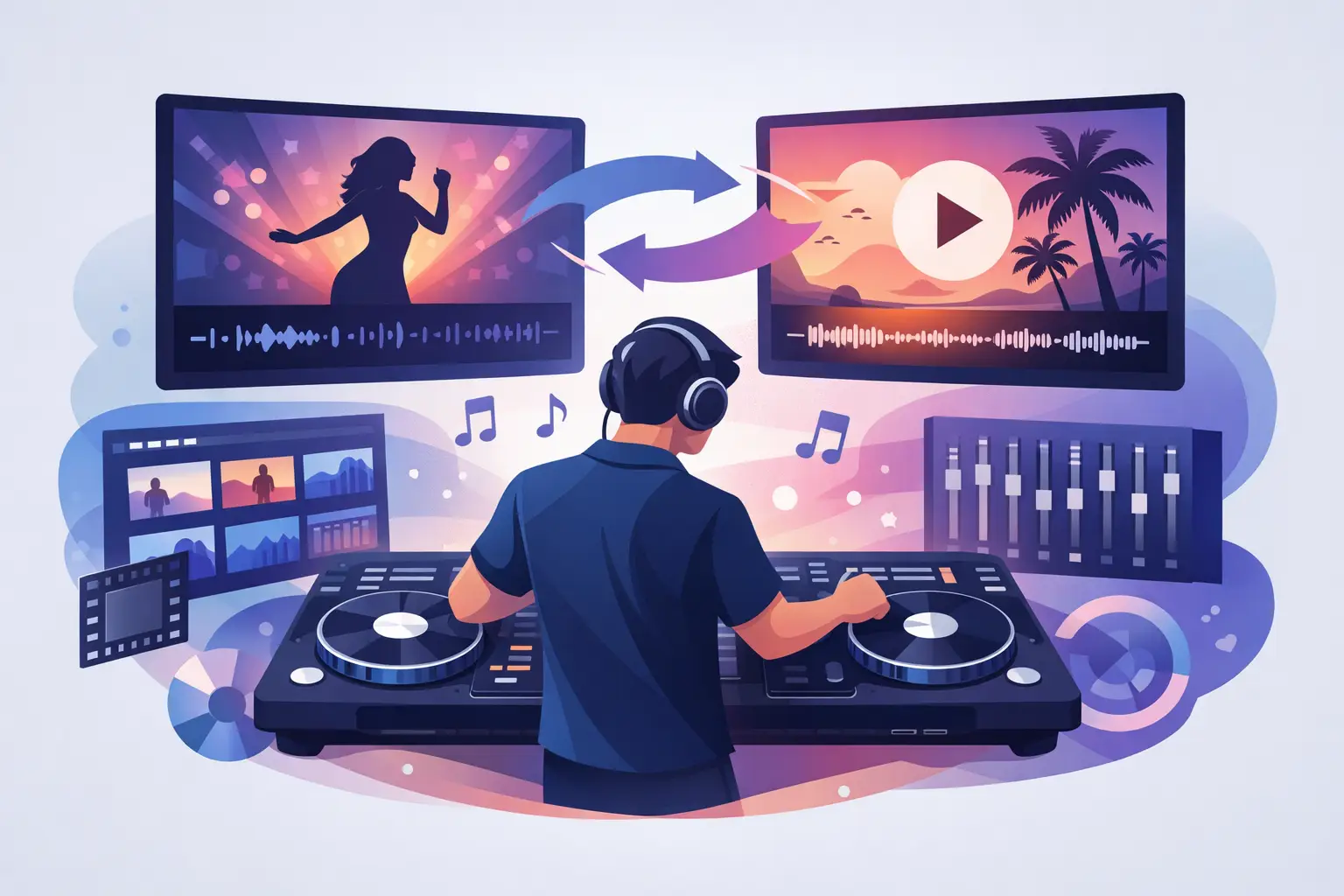
A packed dance floor does not experience a music video as background decoration. The moment the beat drops, the screen becomes part of the performance. That raises a practical question for DJs moving beyond audio: can DJ software mix videos? Yes - but doing it well means matching more than BPMs. You are controlling sound, motion, color, lyrics, cameras, and the energy of an entire room.
Video DJing gives mobile DJs, club performers, karaoke hosts, and event creators a way to make every transition feel bigger. Done right, it turns a playlist into a visual show. Done poorly, it can distract from the music, expose sloppy transitions, or leave a screen hanging on the wrong moment. The difference is preparation, software capability, and performance control.
Can DJ Software Mix Videos in Real Time?
The right DJ software can load video files into decks, analyze their audio, and mix the picture in real time alongside the music. Just as an audio DJ uses a crossfader, EQs, loops, cues, and effects, a video DJ can fade between clips, cut on the beat, add visual effects, display logos, show text, or layer camera feeds and graphics over the performance.
The key is that the video and audio stay locked together. When you beatmatch two tracks, their visuals follow their respective songs. When you scratch, loop, reverse, or use hot cues, the video responds too. That connection is what makes DJ software fundamentally different from simply playing music in one app and manually advancing visuals in another.
Not every DJ platform is built for this job. Some can show simple video playback but offer limited control over transitions, effects, output routing, or visual layers. A serious video workflow needs software that treats video as a core performance format, not an afterthought.
What Video Mixing Actually Looks Like
A video mix can be as simple as a clean crossfade from one official music video to the next. For a wedding, corporate party, or restaurant lounge, that may be exactly the right move. Guests see recognizable artists and visuals while the DJ keeps the music moving.
At a club, the performance can go much further. You might blend a high-energy performance clip into a beat-driven abstract visual, trigger a strobe effect at the drop, then cut to a camera feed as the crowd sings the hook. For a karaoke host, the same system can display lyrics, singer information, a branded background, and the next performer queue.
The format is flexible, but the DJ still leads with music. Visuals should amplify the moment rather than compete with it. A fast-cut visual can make a peak-time transition hit harder. A slow, cinematic fade may work better during a dinner set or a melodic build. The best choice depends on the room, the screen setup, and why people are there.
The Visual Crossfader Matters
Video transitions usually follow the crossfader, but they do not have to. DJs can choose whether the fader controls audio, video, or both. That opens up creative options: keep the incoming track quiet while its visuals appear early, or maintain one visual on screen while mixing the audio underneath.
This control matters when using visual loops, custom content, or a live camera. You may want to keep a branded event backdrop visible while changing songs, then bring in the next music video only when the chorus lands. Separating audio and video transitions makes those decisions possible.
Effects Need a Purpose
Video effects can be spectacular, but a screen full of random filters quickly feels dated. Use effects to reinforce the music: a quick zoom for a vocal hit, a glitch for a hard edit, color changes that match the venue lighting, or a subtle echo during a breakdown.
The strongest video DJs are selective. They know that a clean, perfectly timed transition often gets a better crowd reaction than ten effects stacked on top of each other.
What You Need to Start Video DJing
You do not need a massive production rig to begin, but video introduces a few requirements that audio-only DJs can ignore. First, use a computer with enough processing power for the media you plan to play. High-resolution video, multiple effects, real-time stems, and external displays all demand more from a system than standard audio playback.
You also need a dependable way to send video to the audience. That might be an HDMI output connected directly to a TV or projector. Larger shows may use a video switcher, display processor, LED wall, or multiple screens. Test the full signal path before doors open. A great mix is not much help if the projector is using the wrong input or the display resolution is incorrect.
Your content matters just as much as your hardware. Official music videos are effective for mainstream crowds, while video pools, motion loops, lyric visuals, and custom branded graphics can create a more distinctive show. Keep files organized, consistently named, and stored locally when reliability matters. Streaming can be convenient, but a live gig is not the place to depend on unstable venue internet.
If you are building a professional library, check that you have the right rights and permissions for the venues and content you use. Public performance and visual content licensing can vary by territory, venue, and source material. Treat that part of the job with the same care you give your music library.
How to Build a Better Video DJ Set
Start by preparing video tracks the same way you prepare audio tracks. Analyze them, set cue points, correct beat grids, and identify clean intros and outros. Watch the opening and ending seconds of every important clip. A song may mix perfectly on headphones while its video begins with a jarring title card, a long silent intro, or an abrupt fade to black.
Create a few reliable transition pairs before the event. Find songs with compatible tempo, key, mood, and visual energy. A hip-hop clip with frequent cuts may blend naturally into another performance-driven video, while a polished pop video might work better with a smooth fade into a themed visual loop.
It also helps to think in visual categories. Performance videos show artists on camera. Narrative videos tell stories. Lyric videos prioritize words. Abstract loops create atmosphere. Live footage brings concert energy. If you switch randomly between those styles, the screen can feel chaotic. Grouping compatible visuals makes your set look intentional.
For many DJs, the smartest workflow is a hybrid one. Use official videos when recognition is the priority, then bring in custom loops or branded content when you need flexibility. This is especially useful for private events, where a couple's monogram, a company logo, or a themed animation can turn a standard dance set into a tailored experience.
The Trade-Offs of Mixing Video
Video DJing raises the production value, but it also adds responsibility. You must manage larger files, higher computer load, more cables, display placement, screen brightness, and the possibility that guests will notice every visual mistake. A bad audio transition can disappear into a loud room. A frozen screen is visible to everyone.
There is also a creative trade-off. Music videos carry their own stories and personalities. That can be powerful, but it limits your visual control compared with using loops and custom media. A DJ playing a video-heavy retro set may want those recognizable clips. A nightclub with a strong visual identity may prefer branded visuals that stay consistent all night.
The answer is not choosing one approach forever. Build the setup around the gig. A lounge, school event, wedding, karaoke night, nightclub, and festival screen each ask for a different balance of recognition, branding, and visual intensity.
Why Integrated Video Tools Change the Performance
When video tools live inside the DJ workflow, you can react in the moment. You can extend a visual loop while the crowd responds, cut to a camera during a singalong, or trigger a logo after an announcement without stepping away from the decks. That speed protects the flow of the set.
VirtualDJ brings audio, video, karaoke, effects, live visuals, and extensive controller support into one performance environment, so DJs can build from a simple two-deck video mix to a full screen-driven show without changing their creative approach. The goal is not to turn every DJ into a video editor. It is to put visual control where it belongs: at the fingertips of the person reading the room.
Start with one screen, a prepared folder of dependable video tracks, and a handful of transitions you trust. Once the crowd starts reacting to what they hear and what they see as one experience, the screen stops being an accessory and becomes another deck in your set.