


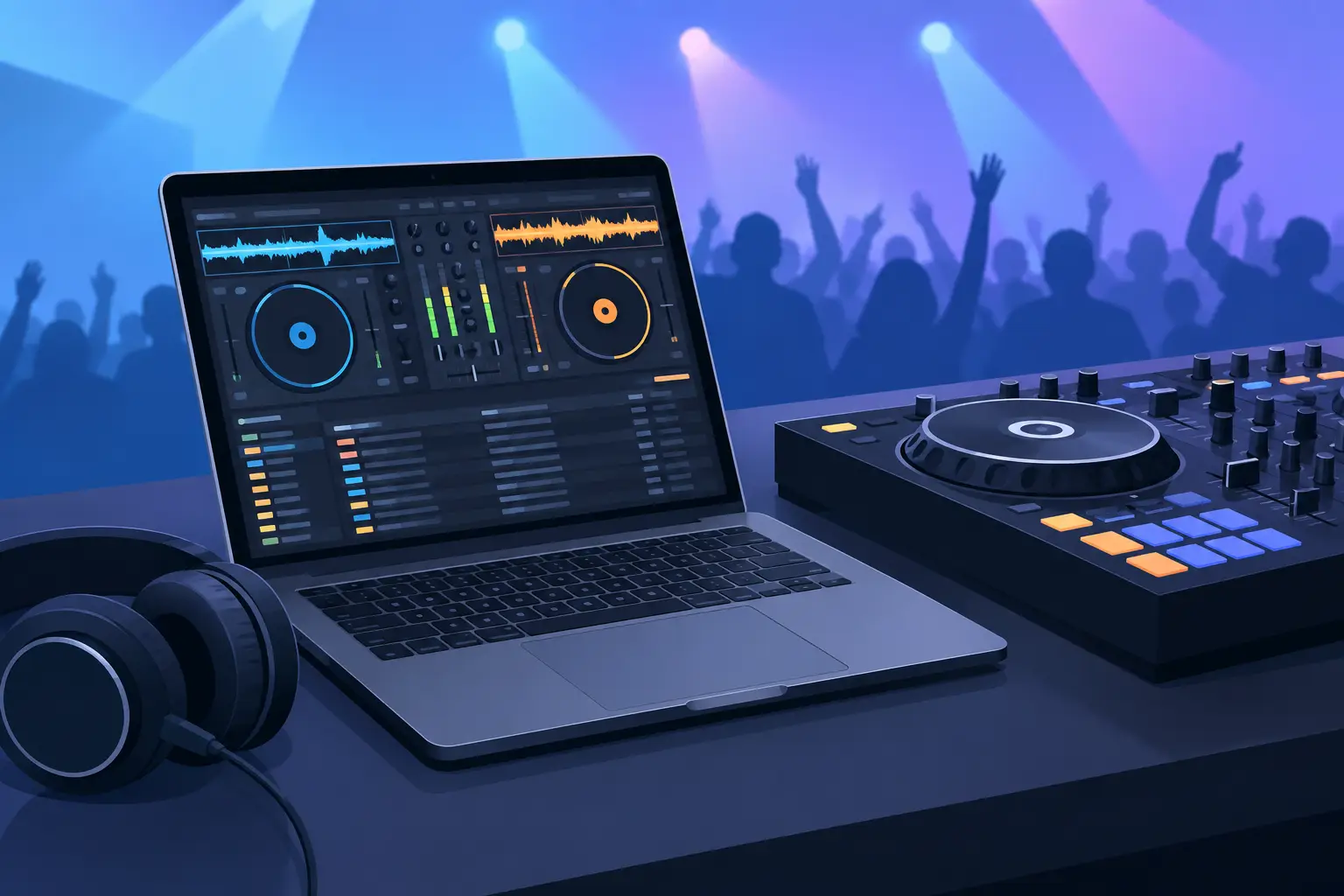
A dropped audio buffer is not a minor inconvenience when the dance floor is full. It is the moment every DJ wants to avoid. The best laptop for dj software is not simply the one with the highest price tag or the flashiest screen. It is the machine that keeps your music, controller, effects, stems, and video running cleanly when the pressure is on.
For bedroom practice, almost any current laptop can load tracks and make basic transitions. For mobile events, club sets, karaoke, video mixing, or a controller packed with performance features, your requirements change fast. Buy for the way you want to perform six months from now, not just the way you mix today.
What Makes the Best Laptop for DJ Software?
DJ software needs consistent performance more than headline benchmark numbers. Your laptop must analyze music, manage a growing library, communicate reliably with hardware, and process audio at low latency. Add real-time stem separation, live remixing, external displays, video playback, recording, or streaming, and the workload rises quickly.
Start with a current-generation processor from a major laptop platform. A modern Intel Core i5 or i7, AMD Ryzen 5 or Ryzen 7, or Apple Silicon chip gives most DJs excellent results. Entry-level processors can work for straightforward two-deck mixing, but they leave less room for demanding effects, stem-based routines, and background tasks.
RAM matters because DJing rarely happens in isolation. You may have your browser open for requests, an external display for karaoke lyrics, a recording running, or lighting and streaming tools sharing the system. Eight GB is a bare minimum for simple use. Sixteen GB is the practical target for most working DJs. Choose 32 GB if you routinely mix video, run several production or streaming applications, or want more long-term headroom.
Storage should be a solid-state drive, full stop. An SSD loads large music libraries faster, improves system responsiveness, and handles track analysis far better than an old spinning hard drive. Aim for 512 GB if your collection lives mostly on external drives. One TB or more makes sense if you carry high-quality audio, music videos, karaoke files, and recorded sets locally.
Choose Specs for Your Performance Style
The right configuration depends on the job. A DJ who plays house parties with a compact controller does not need the same laptop as a performer running four decks, real-time stems, and video screens at a venue.
For beginner and home DJs
A current midrange processor, 8 GB to 16 GB of RAM, and a 512 GB SSD will handle learning, practicing, track organization, and standard controller use. Prioritize a dependable build, a comfortable keyboard, and enough USB ports for your controller and external drive. This is the smartest place to spend if you are getting started, because stability beats expensive extras.
For mobile and wedding DJs
Choose at least 16 GB of RAM, a capable current-generation processor, and a 1 TB SSD if you keep a large local library. Mobile work demands flexibility. You may need to connect a controller, audio interface, backup drive, wireless adapter, presentation display, or karaoke monitor in one night. Native ports can save you from living through a maze of adapters at setup time.
For club, open-format, and performance DJs
Four-deck mixing, sample banks, effects chains, and real-time stem tools reward stronger CPUs and 16 GB or 32 GB of RAM. Fast storage is essential, especially if you analyze new tracks before a show. A dedicated graphics card is not mandatory for audio-focused sets, but it can be valuable if your workflow includes demanding visual elements.
For video DJs and karaoke hosts
Video playback, visual effects, multiple displays, and high-resolution karaoke content place heavier demands on both graphics and ports. Look for a high-performance CPU, 16 GB of RAM at minimum, and a dedicated GPU or a laptop with proven high-end integrated graphics. Confirm that it can drive the display outputs you need without forcing you into unreliable converters.
Mac or Windows: Pick the Platform You Can Run Confidently
There is no universal winner. The best choice is the platform that supports your DJ software, controller, drivers, accessories, and working habits without compromise.
Mac laptops are popular with DJs for their build quality, battery life, and consistent hardware ecosystem. Apple Silicon models deliver strong performance per watt, making them attractive for travel and long sets. Before buying, check compatibility for every device in your setup, especially older controllers, specialty interfaces, and legacy accessories.
Windows laptops offer an enormous range of prices, sizes, processors, and connection options. They can be excellent machines for DJing, video work, and customization, but quality varies more from model to model. Avoid choosing only by processor name. Read the full specification sheet, including ports, cooling design, screen outputs, and upgrade options.
Whichever platform you choose, do not bring a brand-new operating system update to a paid event without testing it first. The same goes for new controller firmware, drivers, and DJ software builds. A stable setup is a professional advantage.
Ports, Cooling, and Battery Are Not Small Details
Specs sell laptops. Connections keep the show moving.
A DJ laptop should have enough physical ports for your real setup. At minimum, consider how you will connect your controller, charger, external SSD, and any display or audio accessory. USB-C is highly useful, but a USB-C-only machine may require a quality hub. If a hub is part of your plan, test it with your complete setup before show day. Not all hubs handle power, data, displays, and high-speed storage equally well.
Cooling is just as important. A thin laptop that performs brilliantly for ten minutes can slow down when it gets hot during a long set. Look for models known for sustained performance, especially if you use stems or video. Keep the vents clear, avoid soft surfaces that trap heat, and do not store the laptop in a hot vehicle before an event.
Battery life is a backup, not your main power strategy. Advertised figures usually reflect light productivity, not low-latency audio processing with connected hardware. Bring the original charger, secure access to power, and treat a charged battery as insurance if a venue outlet becomes unavailable.
Avoid These Common DJ Laptop Mistakes
The cheapest laptop can become expensive when it costs you confidence at a gig. Avoid buying a machine with minimal storage if your library is growing, or one with only 8 GB of non-upgradeable RAM if you already know you want video, stems, or streaming.
Gaming laptops deserve a closer look rather than an automatic yes or no. Their processors and graphics performance can be excellent for video DJs, but some are heavy, loud, and short on battery life. Ultraportables are easier to carry, yet may offer fewer ports and less sustained cooling. Your best choice is the one that fits your actual performance environment.
Also avoid turning your performance laptop into a general-purpose experiment. Uninstall unnecessary software, keep plenty of free SSD space, pause disruptive notifications, and make a backup of your library and database. VirtualDJ gives DJs deep control over music, video, karaoke, and live performance tools, but the computer running your set still needs to be maintained like professional gear.
Set Up Your New Laptop Before the First Gig
Once you have the laptop, install your DJ software and hardware drivers well ahead of the event. Import your music, analyze it, verify beatgrids, and test every controller control you plan to use. Connect your external drives, displays, microphones, and audio outputs exactly as they will be used live.
Then rehearse under realistic load. Run effects, record a mix, use stems, play video, and leave the system operating for an extended session. Watch for audio dropouts, heat, storage errors, and power issues. A quiet hour at home is where you want to find a weak cable or unreliable adapter.
The right laptop should disappear from your mind once the set begins. Choose one with enough power for your next level of creativity, protect it with disciplined testing, and let your performance be the thing people remember.