


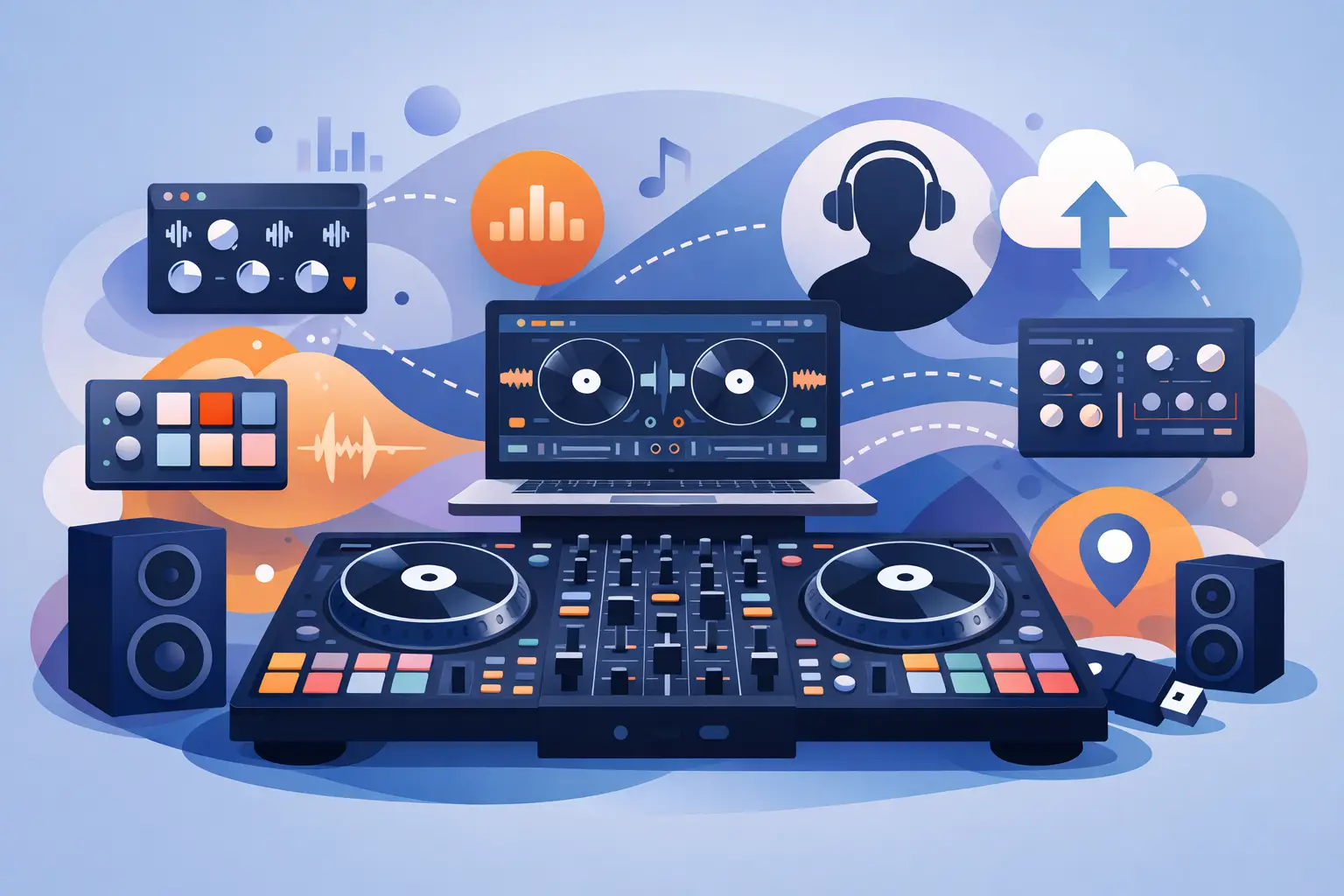
A clean two-deck mix can get people dancing. The best dj software addons turn that mix into a performance people remember - with live edits, visuals, requests, custom controls, and transitions that feel made for the room. The right choice is not about loading every feature available. It is about adding tools that give you a faster creative response when the crowd changes.
For a bedroom DJ, that may mean a sampler and a better skin. For a mobile entertainer, it can mean karaoke support and video output. For a club DJ or turntablist, stems, DVS, and precision controller mapping can completely change the way a set is built. Start with the performance you want to deliver, then add only the tools that help you own it.
1. Stem separation and stem effects
Stem tools are among the most powerful additions in modern DJing because they let you work with the parts of a track instead of treating it as one fixed file. Pull the vocal from a chorus, mute the drums before a drop, keep a bassline rolling under an acapella, or create a live mashup without preparing every edit in advance.
The real advantage is speed. When a crowd reacts to a hook, you can extend that moment. When two songs have clashing vocals, you can make space for the transition. Add stem-focused effects, such as vocal echo or drum filtering, and familiar records become raw material for a more original set.
There is a trade-off. Real-time stem processing can demand more from a computer, especially when several decks and effects are running. Test your settings before a paid gig, and use quality headphones to catch any artifacts before the audience does.
2. Professional effects packs
Effects are not there to cover weak transitions. Used with control, they add tension, movement, and personality to strong ones. The most useful effects packs give you practical performance staples: echo, reverb, filters, flangers, beat-aware rolls, loop rolls, noise sweeps, and rhythmic gating.
Choose effects that match how you play. Open-format DJs often need quick echoes and clean filters for abrupt genre changes. House and techno DJs may lean into long delays, dub-style echoes, and resonant filters. Hip-hop DJs may prefer beat rolls, transforms, and short punchy stutters.
Build a small, reliable effects bank instead of reaching for a screen full of options. Put your most-used effects on accessible pads or knobs, learn exactly where they sit in the mix, and use them with intent. One perfectly timed echo out will hit harder than five effects fighting for attention.
3. Sampler packs and custom sound banks
A sampler turns a standard DJ set into a live production. It can hold one-shots, air horns, drum hits, vocal phrases, transition sounds, loops, and branded drops. For mobile DJs, it can also store announcements or short stingers for introductions, entrances, and special moments.
The best sample pack is not necessarily the largest. A focused collection makes you faster under pressure. Keep essential sounds organized by purpose: short transitions, crowd reactions, drum tools, vocal accents, and emergency fillers. Normalize levels so one sample does not suddenly jump over your master output.
Custom samples are where your sound starts to become yours. Record a quick vocal tag, build a percussion loop around a genre you play often, or create a clean branded intro for private events. Used sparingly, these small details make a set feel less like a playlist and more like a show.
4. Video mixing and visual effects
Video add-ons give DJs another way to control the energy in the room. Music videos, motion loops, camera feeds, lyric clips, visual transitions, and logo overlays can turn a dance floor into a full visual experience. For bars, clubs, schools, corporate events, and large private celebrations, that extra layer can separate a DJ set from background entertainment.
Video performance demands planning. Your laptop needs enough processing power, your output setup must be tested, and your content needs to fit the venue. A projection wall at a nightclub calls for a different visual approach than a pair of TVs at a wedding reception.
Keep visuals tied to the music. A clean logo overlay during an opening set, a strong visual drop for a peak-time anthem, or a lyric video for a sing-along can raise the impact immediately. Constant visual chaos, on the other hand, can pull attention away from the dance floor.
5. Karaoke tools for hosts and mobile DJs
Karaoke is not just a playlist with lyrics. A capable karaoke add-on helps you manage singer rotation, search a large catalog quickly, show lyrics clearly, adjust key or tempo when appropriate, and keep the next performer ready before the current song ends.
For mobile DJs, this can create an entirely new revenue lane. You may be booked for a party where dancing slows after dinner, then bring the room back to life by opening the mic. For bars and venues, smooth singer management matters just as much as sound quality. Nobody enjoys waiting through a disorganized request list.
Set up karaoke as its own workflow. Use a dedicated microphone channel, check lyric-screen visibility from the audience area, and establish simple rules for requests. The technology should make you look more prepared, not leave you staring at a queue while the room waits.
6. Controller mappings and custom pad pages
A great controller is only as good as its mapping. Custom mappings and pad pages let you place your actual performance tools where your hands expect them - stems on one pad bank, loops on another, samples on a third, and instant effects within reach.
This is especially valuable when you play different kinds of events. Your club layout may prioritize four-deck mixing and loop control. Your wedding layout may put microphone controls, sampler drops, and quick search functions first. Instead of changing your style to fit a fixed layout, customize the setup around the job.
Do not map every possible command. Map the commands you can execute without thinking. The goal is less mouse work, fewer missed cues, and more eye contact with the crowd. VirtualDJ gives creators room to tailor these workflows to the hardware and performance style they actually use.
7. DVS and timecode extensions
For DJs who want the feel of real vinyl while keeping a digital library, DVS support is a serious performance add-on. Timecode vinyl or CDs can control digital decks with the tactile response of turntables and media players. That means precise scratching, fast cueing, and the physical connection many experienced DJs prefer.
DVS is not automatically the best option for every DJ. It adds equipment, calibration, and setup time. But for scratch routines, hip-hop sets, and performers who already trust their turntable technique, it offers a direct path from traditional skills to modern creative tools.
Before taking a DVS setup to a venue, check grounding, cables, input routing, latency, and backup options. A few minutes of preparation can prevent the kind of technical surprise that kills momentum at the worst possible moment.
8. Skins and display customization
A skin may sound cosmetic, but the right interface can improve how quickly you perform. A clear waveform view, larger browser text, high-contrast deck colors, bigger video panels, or a simplified two-deck layout can reduce mistakes when the booth is dark and the pressure is high.
Choose a skin for readability, not novelty. If you perform on a small laptop, prioritize browser space and essential transport controls. If you mix video or karaoke, make sure the relevant panels are visible without cluttering the screen. A polished interface is useful only when it helps you make faster decisions.
Save a backup layout you know well. Experiment at home, but do not debut an unfamiliar skin during a major event. Muscle memory is part of your gear.
9. Library, search, and playlist extensions
The most exciting addon will not save a DJ who cannot find the next track. Library tools, smart playlists, tags, ratings, custom fields, and search filters are performance features because they help you react faster than the room can change.
Tag tracks by energy, clean status, intro length, genre blend, vocal presence, event type, or any label that matches your process. A DJ playing open format can find a high-energy clean throwback in seconds. A wedding DJ can pull a dinner-safe track without risking explicit lyrics. A video DJ can locate the correct version without searching through duplicate files.
The best system is the one you maintain. Spend a little time after each gig updating tags and noting what worked. Your library becomes more valuable every time it reflects your real experience behind the decks.
Build your addon setup around the gig
There is no single winning stack of DJ software add-ons. A scratch DJ may need DVS, stems, and performance effects. A karaoke host may get more value from singer management, lyric output, and microphone-ready samples. A video DJ may prioritize visual content and display control over advanced pad routines.
Start with one addon that solves a real limitation in your current set. Learn it until it feels natural, test it in a low-risk environment, then put it to work when the crowd is in front of you. The goal is not more buttons or more screens. The goal is a set that sounds bigger, moves faster, and feels unmistakably yours.