


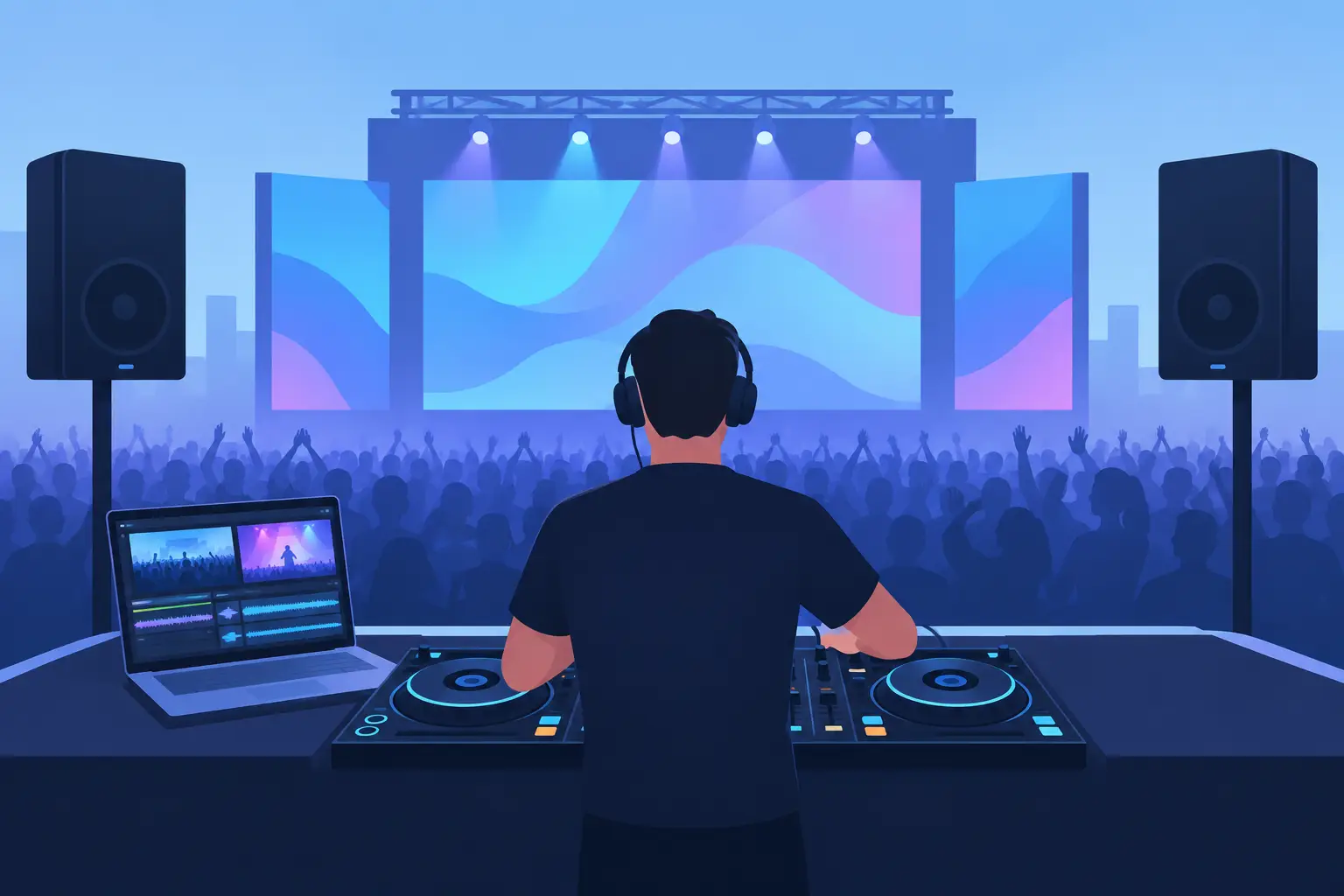
A great audio video DJ platform does more than beatmatch two songs. It gives you command of the entire room: the music, the screens, the microphone, the requests, the energy shifts, and the moments people record on their phones. When the crowd is watching as closely as it is listening, audio alone is only part of the performance.
That is why DJs who want to stand out need a platform built for more than a basic two-deck workflow. The right setup lets you blend tracks, trigger visuals, host karaoke, remix live, and adapt to whatever the event demands without breaking your focus. Whether you are practicing in your bedroom, playing a packed club, or running a wedding where the dance floor and the video wall both matter, your software should help you mix better and perform bigger.
What an Audio Video DJ Platform Should Actually Do
An audio video DJ platform brings core DJ tools and visual performance into the same creative workspace. Instead of treating video as a separate production task, it lets you mix video files alongside music, match visual transitions to your phrasing, and put every element of the show under your control.
For a video DJ, that can mean cutting from one music video to another on the beat, layering camera feeds over a track, or adding effects that react to the music. For a mobile DJ, it can mean running a polished slideshow, displaying a monogram, and switching to karaoke lyrics without moving between disconnected programs. For a club DJ, it can mean creating a visual identity that makes your set feel like an event rather than a playlist.
The key is integration. You should not have to choose between a serious music workflow and a compelling visual show. Your decks, library, effects, samples, playlists, and hardware controls need to work together, because live performance does not leave room for technical detours.
Audio Video DJ Platform Features That Change the Set
The best features are the ones that improve what happens in front of an audience. A flashy tool is useless if it slows you down when a request comes in or the room suddenly changes direction.
Video mixing that follows the music
Video mixing should feel as natural as audio mixing. Load video content directly to the decks, cue it, beatmatch it, loop it, and transition between clips with the same confidence you bring to songs. The strongest workflows also let you use video effects, overlays, text, logos, and visualizers without turning your performance into a screen-management job.
This matters because timing is everything. A hard visual cut can hit with a drop. A slow crossfade can support a vocal transition. A well-placed logo or motion graphic can elevate a branded corporate event. The visual layer should amplify your musical decisions, not distract from them.
Real-time stems and live remixing
Modern DJing is about having options when the predictable mix is not enough. Real-time stem separation gives you the power to isolate vocals, drums, bass, or instruments from a track as you play. That opens up cleaner acapella transitions, live mashups, unexpected drum swaps, and fast recovery when a song has the right chorus but the wrong energy.
For video performance, stems create even more creative opportunities. Strip the vocal from one track, bring in a recognizable hook from another, and keep the visuals moving with the beat. These are the moments that make people look up from their conversations and ask, “What was that mix?”
Karaoke without a separate system
Karaoke is not a side feature for many working DJs. It is a full service offering, especially for bars, private parties, resorts, and community events. A platform that supports karaoke lets you search and organize tracks, display lyrics on an external screen, manage singer rotation, and keep the night moving without abandoning your DJ setup.
The trade-off is preparation. Karaoke works best when your catalog is organized, your display routing is tested, and you have a clear plan for microphones and singer announcements. But when it is handled from the same performance environment as your music and video, changing the format of the night becomes much easier.
Hardware freedom and custom control
Your software should fit your gear, not force you into a narrow hardware path. DJs build different workflows: some want a compact controller for private events, some use media players and a mixer in the booth, and others rely on turntables with DVS timecode for a hands-on feel.
Broad hardware support gives you room to evolve. Controller mapping and customization can take that further, putting the controls you actually use where you need them. Map a pad to trigger a sample, activate a visual effect, switch a video source, or launch a saved loop. The goal is not to add buttons for the sake of it. The goal is to make your hands faster than your mouse.
Build One Workflow for Every Type of Gig
A home setup, nightclub, wedding reception, and karaoke bar have different demands. Your DJ platform should scale across them without making you rebuild your entire system every time.
At home, start with the fundamentals: organize your library, set cue points, practice transitions, and learn how video files behave on your computer. Use that time to test effects and build confidence with stems before relying on them in public.
For mobile events, preparation becomes your competitive advantage. Create crates for key moments such as cocktail hour, dinner, open dance floor, requests, and last-song options. Keep branded visuals, slideshows, and clean edits ready to go. If you provide karaoke, test your second-screen output and lyric display before guests arrive. A polished event DJ is rarely improvising the technical foundation, even when the music selection is spontaneous.
In a club or festival setting, speed matters more. You need fast search, dependable beat grids, clear waveforms, and controls that respond immediately. Video can be powerful here, but it depends on the venue. If the screens are small, poorly positioned, or controlled by the production team, focus on the music first and coordinate visuals carefully. If the room has a major LED wall, a strong visual workflow can turn a solid set into a signature performance.
Why Library Management Is Part of the Performance
The crowd only sees the finished mix. They do not see the hours behind it: cleaning metadata, finding duplicate files, tagging genres, preparing video versions, and creating playlists that make sense under pressure. Yet library management is one of the biggest differences between a DJ who searches frantically and a DJ who stays in control.
A well-organized library makes creative decisions faster. Tag songs by energy, mood, era, language, event type, or crowd response. Keep edited versions clearly labeled. Know which tracks have videos, clean versions, intro edits, and karaoke versions. When a client asks for a specific song or the dance floor calls for a quick pivot, you will be ready.
VirtualDJ is built around that all-in-one performance mindset, combining audio mixing, video mixing, karaoke, live remixing, library tools, and wide hardware compatibility in a single platform. It gives new DJs an accessible way to start while giving working performers the depth to keep pushing their shows forward.
Choose Power You Can Use Under Pressure
More features do not automatically mean a better set. The best audio video DJ platform is the one you can operate confidently when the room is loud, the client is making requests, and the next transition has to land now.
Start with the tools that solve a real performance need. If you play weddings, prioritize reliable library organization, microphone-ready workflows, video output, and karaoke capability. If you play open-format clubs, prioritize stems, fast browsing, effects, and flexible hardware control. If you are building a visual brand, spend time developing video loops, overlays, and transitions that support your musical style instead of covering the screen with noise.
Your next great set may start with a song selection. But the performance people remember happens when the sound, visuals, and your creative instincts all hit at the same time. Build a workflow that gives you that command, then make the room feel it.