By DECIMODS
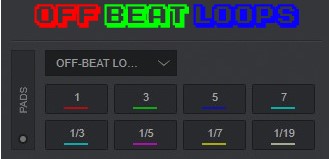
Off beat loop roll pad.
Available on : PC PC (32bit) Mac (Intel) Mac (Arm)


Off beat loop roll pad.
Available on : PC PC (32bit) Mac (Intel) Mac (Arm)
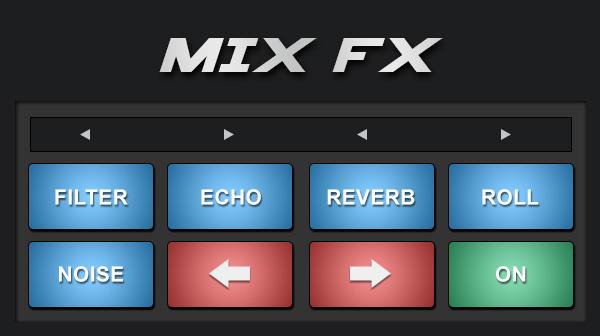
Apply automatic audio effects on the crossfader movement
Available on : PC PC (32bit) Mac (Intel) Mac (Arm)
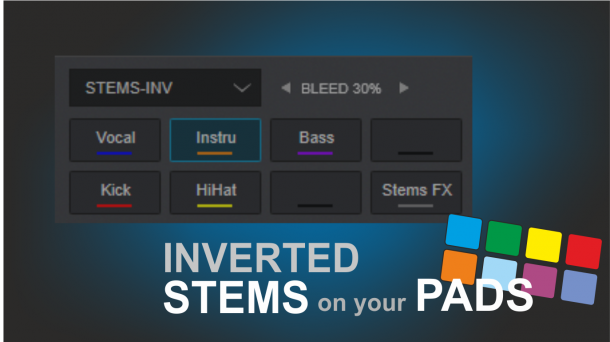
The default Stems Pads page with inverted led status (off when not disabled). Useful for non-RGB controllers.
Available on : PC PC (32bit) Mac (Intel) Mac (Arm)
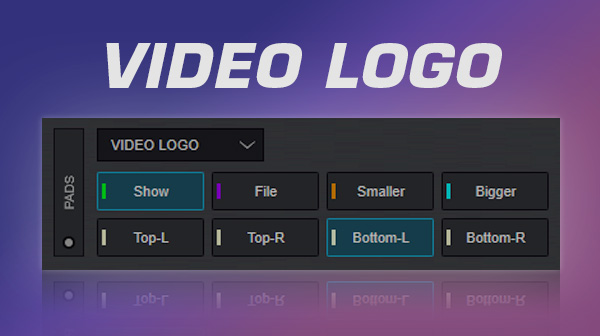
Adjust size & position of video logo and select file to use easily.
Available on : PC PC (32bit) Mac (Intel) Mac (Arm)
Extended Hotcues pad page functionality. Multiple hotcue pages, recording action POIs with a single button press and more.
Available on : PC PC (32bit) Mac (Intel) Mac (Arm)
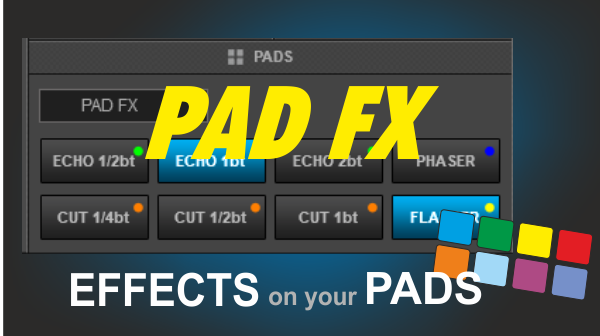
A simple Pads page to trigger Effects from the Pads. Effects are triggered as toggle when pressed quickly and momentary as long as they are pressed
Available on : PC PC (32bit) Mac (Intel) Mac (Arm)
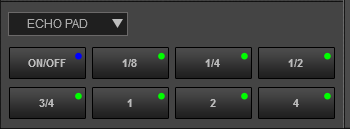
Apply an echo fx with different parameter in 8 pads
Available on : PC PC (32bit) Mac (Intel) Mac (Arm)
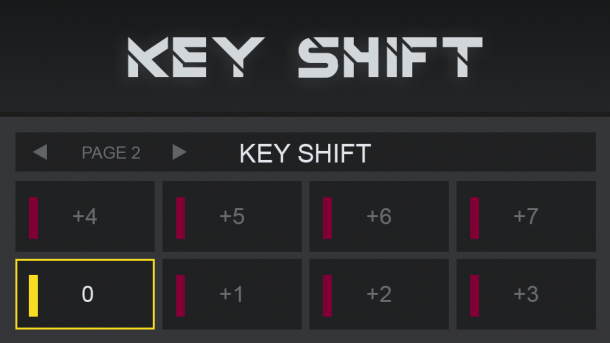
Control songs musical key from pads
Available on : PC PC (32bit) Mac (Intel) Mac (Arm)