microphonedistortionfeedbackwindows11
Distortion or Feedback when using software with a usb connected microphone in Windows 11
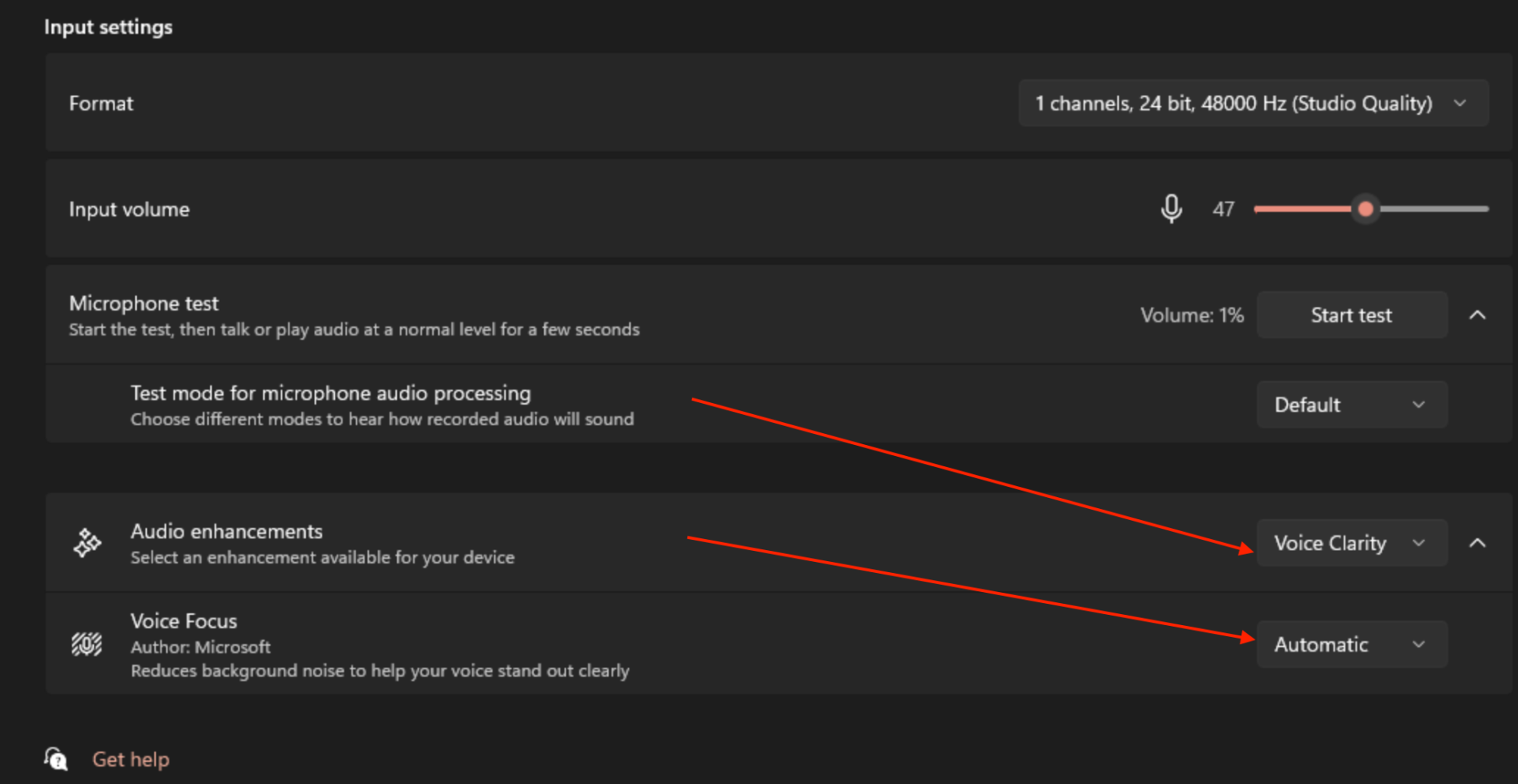
If you are experiencing distortion or feedback when using the microphone in VirtualDJ and your operating system is Windows11, this may be due to Windows using enhanced audio or vocal clarity on the microphone.
- Press Win + I to open Settings.
- Go to System > Sound.
- Click on your active microphone listed under the Input section.
- Look for Enhance audio / vocal clarity and disable all options